The reader blinks red, but can be connected to BALTECH tools
Possible LED patterns:
Yellow LED, followed by red blinks
Red blinks
Details
Issue
The firmware on the reader may be incomplete and not fully functional.
You can verify for this issue as follows:
Firmware 1100 v1.25 or below / 1096 v2.40 or below:
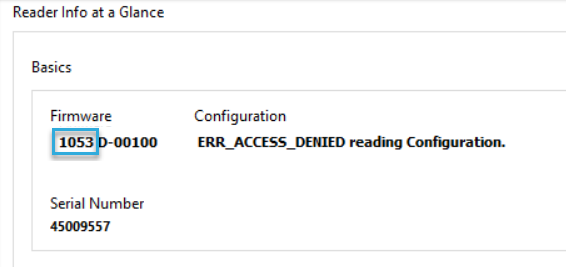
BALTECH ID-engine Explorer will display a different firmware ID:
For USB, readers it will display 1053 D-xxxxx. For Ethernet readers, it will
display 1075 D-xxxxx.
Firmware 1100 v2.00 or above / 1096 v3.00 or above:
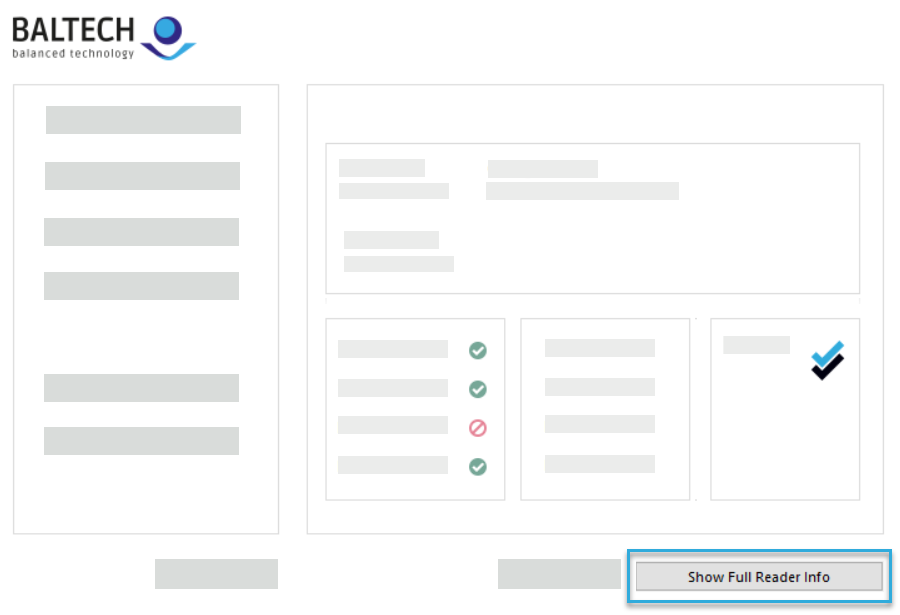
In BALTECH ID-engine Explorer, click Show Full Reader Info in the bottom right.
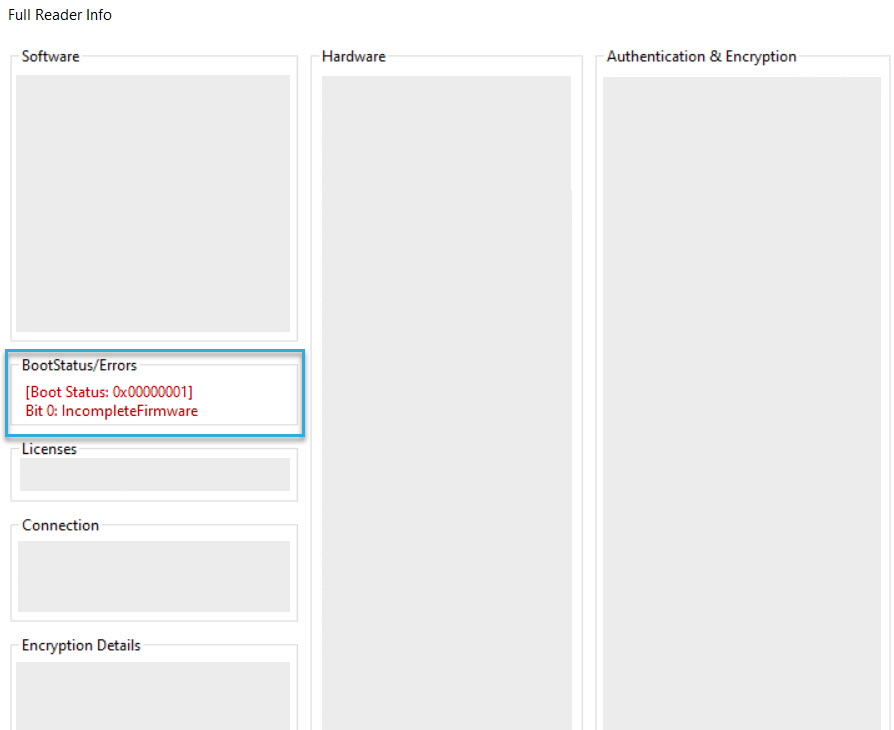
In the BootStatus/Errors section, you'll see the error message IncompleteFirmware.
Solution
Repeat the firmware upload, either via Wireless or Wired Upload.
The reader blinks red and can no longer be connected to BALTECH tools
LED pattern:
Red blinks
Details
Issue
This issue affects ID-engine Z variants 12115-xxx-xx and 12117-xxx-xx running
firmware 1100 v2.06.xx or below. It occurs when a configuration containing an OSDP
component is deployed to such a reader (usually by mistake, as these variants
don't support OSDP).
Solution
Please return the reader using our RMA form.
The print-management reader LED is the wrong color
Details
Issue 1
LED color is typically controlled by the reader configuration.
The color is green when the host interface is configured for
Issue 2
Some MFP clients control LED color to indicate login state or system status. Connect the reader to a PC or laptop
and observe the LED, if the expected color appears then the client was controlling the LED.
Solution 2
Refer to the client documentation for LED color details and configuration options.